Home staging software · Made in NZ

Your whole
staging business, sorted.

HomeStagedIT is a job and inventory system built by stagers for stagers. Plan every room, pick every piece, keep your agents in the loop, and always know where your stock is. Spend less time worrying about the admin and more time staging!

A demo account comes loaded with sample jobs and stock. No card needed.

A sunlit lounge staged by HomeStaged, with a pale sofa, terracotta cushions and woven wall hangings
Plan: 22 Beach St · Lounge
+6
Pick: 5 Kelburn Pde18/24
Lounge 5/5 Dining 8/8Main bedroom 3/7Bedroom 2 2/4
New actionPickup request from Sarah Mitchell, Harbourside Realty8 Rimu Rd · Settlement Thu 23 Oct
Delivery · Tue 8:30am · Petone
  • Built by stagers, for stagers
  • Everything you need to run your staging business
  • One price. No per-user fees or extra charges for inventory
  • Web based and mobile app

Sound familiar?

Beautiful homes.
Messy spreadsheets.

If your business runs on a whiteboard, three spreadsheets and a group chat, you’re in good company. That’s exactly how our staging business ran, right up until it didn’t.

Staging is a logistics business wearing a design business’s clothes. Hundreds of pieces, dozens of homes, agents on the phone and a truck that needs to be in two places at once. We built HomeStagedIT to put all of it in one calm place.

See how a job flows
Where’s the grey boucle chair?? Not in the warehouse…
Rimu Rd settlement moved to THURS. Pickup??
2 lamps NOT delivered to Beach St. Swap for brass ones
Chase the Hillcrest Rd quote!!
Stock list v7 FINAL (actually final)
Who has the Ngaio lockbox code?

How it works

One job, start to finish.

From when you receive the enquiry to the day you collect the furniture from the home – and everything in between! HomeStagedIT provides the workflow you need to stay on top of the whole process.

01 · Quote

Every job starts on the board.

Drag jobs through your own stages, from first enquiry to quote sent to accepted. Each job has all the details you need. Your team has visibility on every job.

  • Your statuses, in your order
  • Link the vendor and the agent to every job
  • Record why jobs were lost, and learn from it
  • Full visibility on all your jobs
02 · Plan

Plan every room before a single cushion moves.

Add rooms one by one or drop in a preset for a typical three-bedder, then fill them from your warehouse. Search by category or tag, add a whole package in one go, and move pieces between rooms as the design comes together.

  • Room presets and packages
  • Add straight from what’s in the warehouse
  • Your planning notes and photos, right on the job
03 · Pick

Pick from a checklist, not a clipboard.

Your team works through each job room by room, on the mobile app or the web. Every piece gets ticked off as it’s picked, and anything that can’t go out is marked Not Delivered, so nothing goes missing between the warehouse and the house.

  • By room, by category or what’s left
  • Picked counts for every room
  • Not delivered? Log a replacement on the web
04 · Deliver

Everyone knows where to be.

Deliveries, pickups and quote visits sit on one shared calendar, assigned to the right people. Tap an address for directions, tap an agent to call them, and keep the lockbox notes right where they’re needed.

  • Assign one or more of your team
  • Access and delivery notes on every event
  • Jump straight to the job’s plan or pick list
05 · On job

Know what’s out, and when it’s coming home.

See every staged home at a glance, with an eight-week outlook of the pickups coming up. Pickup dates work themselves out from the contract and any extensions, and extension fees are calculated for you.

  • Eight-week pickup outlook
  • Extensions and fees handled
  • Agent pickup requests show up as actions
06 · Pick up

Straight on to the next job.

When a staging ends and the vendor doesn’t require an extension, you choose to either send everything back to the warehouse or load it straight onto the next home. Fewer trips, less double handling, and every piece of inventory accounted for.

  • Match rooms from one house to the next
  • Mark items as damaged until they are fixed
  • Close the job and everything’s back in stock

Agent portal

Your agents will love you for this.

Invite the real estate agents you work with to a login of their own. They can check on every listing you’ve staged for them, and ask for a pickup, an extension or a new quote without picking up the phone.

  • Every request lands in your Actions list, ready to assign.
  • Agents can see their whole team’s listings.
  • One login covers every stager they work with on HomeStagedIT.
  • Extension fees are shown up front.
  • Saving you a ton of time.

Premium services

Let the busywork run itself.

Two current extras (with more in the pipeline) for $15 a month. Switch them on when they’d help. Skip them if they wouldn’t.

Automated client emails

The follow-ups you mean to send, sent.

Quote follow-ups, a note before delivery, a heads-up before pickup with the extension fee included, and a thank-you that asks for a review. Each one goes out on schedule, from your business, with your logo on it.

  • Write each template once, with the job details filled in for you
  • Preview any email before it goes, and switch it off per job
  • Change a date and we’ll ask if the emails should move too

↑ click an email to preview it

HomeSearched

Know which homes have sold, without checking a single listing.

HomeSearched is a companion desktop app. Sign in with your HomeStagedIT account, press Search, and it works through every home you’ve got furniture in, and every quote that hasn’t been accepted, checking each one on homes.co.nz. You get a tidy list of what’s sold, what’s still for sale and what’s come off the market, so you know exactly which pickups to chase.

  • Pulls your on-job, pickup-booked and unaccepted addresses automatically
  • Bulk-checks every address in one run while you get on with your day
  • Potential Loss: quotes you didn’t win where the home has gone on the market anyway
  • Smart address matching, plus manual links, a blacklist and a whitelist
  • New Zealand listings (homes.co.nz) only, for now

On your phone

Your whole business, in your pocket.

Plan a room while you’re standing in it, pick from the warehouse floor, and keep the team on the same page from the truck.

Plan on site

Swipe between rooms and add pieces while you’re standing in the house.

Add stock with a photo

Snap a new piece and AI fills in its category and tags from your own lists.

Your day, sorted

Today’s deliveries and pickups, one tap from directions.

App Store Android coming soonSign in with your HomeStagedIT account.

Dashboard

Know which agents actually send you work.

Your numbers, without the spreadsheet. See your conversion rate and pipeline, which agents and marketing sources bring in the jobs, and how much your purchases are costing you.

↑ click through the tabs to have a look around

  • Conversion, this year vs last
  • Top agents by jobs and sales
  • Which marketing actually converts
  • Where your jobs are, on a map
  • Why quotes are lost
  • Stock on job vs in the warehouse
A bright staged living room with a cream sofa, timber armchairs and a pale rug on a wooden floor

Our story

We’re stagers first.

Megan and Dave have been staging homes around Wellington for about a decade. When we couldn’t find software that had the features we needed and didn’t cost the earth, we built our own.

It’s been running in our own staging business for over 3 years, and it’s developed by a small team in Wellington with a passion to make software all stagers will love.

Read our story

Pricing

One price. Every feature.
However big you grow.

No tiers to decode, no per-seat maths, no “contact us for pricing”. Whether you stage two homes a month or twenty a week, you pay the same.

Everything in HomeStagedITOne plan
$50NZD / monthincl. GST

Everything you need to run your staging business. One flat price, however big you grow.

  • No per-user fees
  • No stock limits
  • Billed monthly

The demo account is free, with sample data and no card needed.

What’s included
  • Jobs board with your own statuses
  • Room-by-room planning, presets and packages
  • Picking, delivery and pickups
  • Inventory with photos, tags and full history
  • Shared team calendar
  • Contacts, agents and suppliers
  • Agent portal
  • Dashboard and Excel exports
  • Web based and mobile app
  • Automated client emails Premium
  • HomeSearched Premium

Pricing details and billing questions

FAQ

Questions stagers ask us

Can’t see yours? Email help@homestagedit.com or book a chat. You’ll hear back from a real person in Wellington.

Is there a free trial?

There’s a free demo account instead. It comes loaded with sample jobs, stock and contacts, so you can click around without setting anything up, and there’s no card needed. (Automated emails don’t send from demo accounts.) When you’re ready, create a live account and start adding your own.

Do you charge per user, or by how much stock I have?

No. It’s one flat monthly price for your whole business, however many people are on your team and however much stock you carry. We don’t charge you more as you grow.

Can you load my existing stock for me?

You’ll add your stock yourself, but it’s quicker than it sounds. Snap a photo of a piece and AI suggests its category and tags, copy an item to add similar pieces in seconds, or bulk upload photos from a Windows computer and match them to your items.

Does it work on my phone?

Yes. The HomeStagedIT mobile app puts your jobs, planning, picking, inventory and calendar in your pocket, and the web app works in any browser on a computer or tablet.

Can I set it up the way my business works?

Yes. You choose your own job statuses and their order, job types and colours, rooms and room presets, packages, categories and tags, marketing sources, reasons for lost jobs, your weekly extension fee and your email templates.

What do my real estate agents need to use the portal?

Just an email address. Invite them from their contact card and they’ll get an email to set a password. From then on they can see the listings you’ve staged for them and send you requests.

I’m not in New Zealand. Can I still use it?

Yes. We’re based in Wellington, but HomeStagedIT is open to staging businesses anywhere. Prices are in New Zealand dollars.

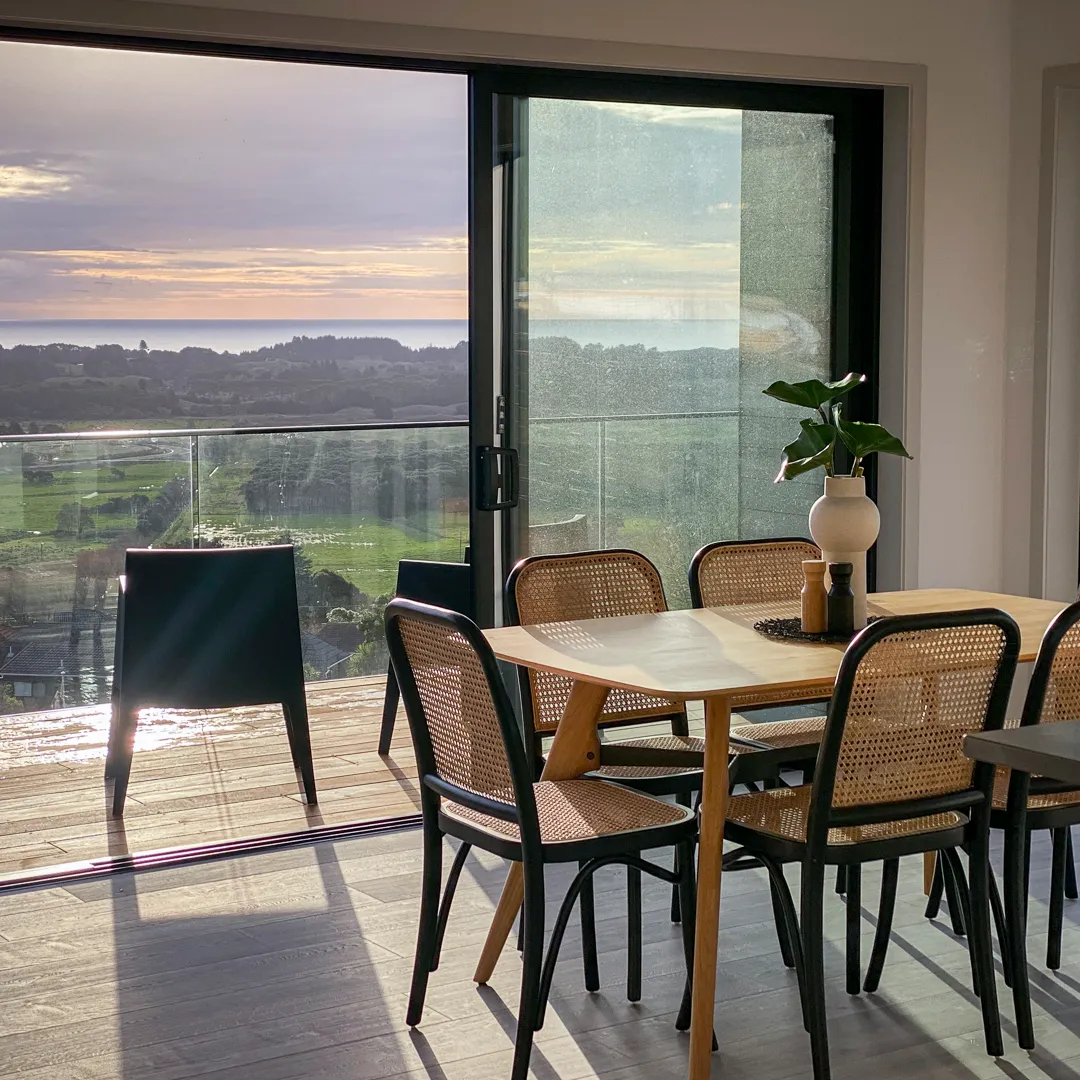
A dining table staged by HomeStaged, looking out over the sea at sunset

Ready to get your staging business sorted?

Poke around a demo account full of sample jobs and stock, or have a chat with us first. Either way, no card and no pressure.